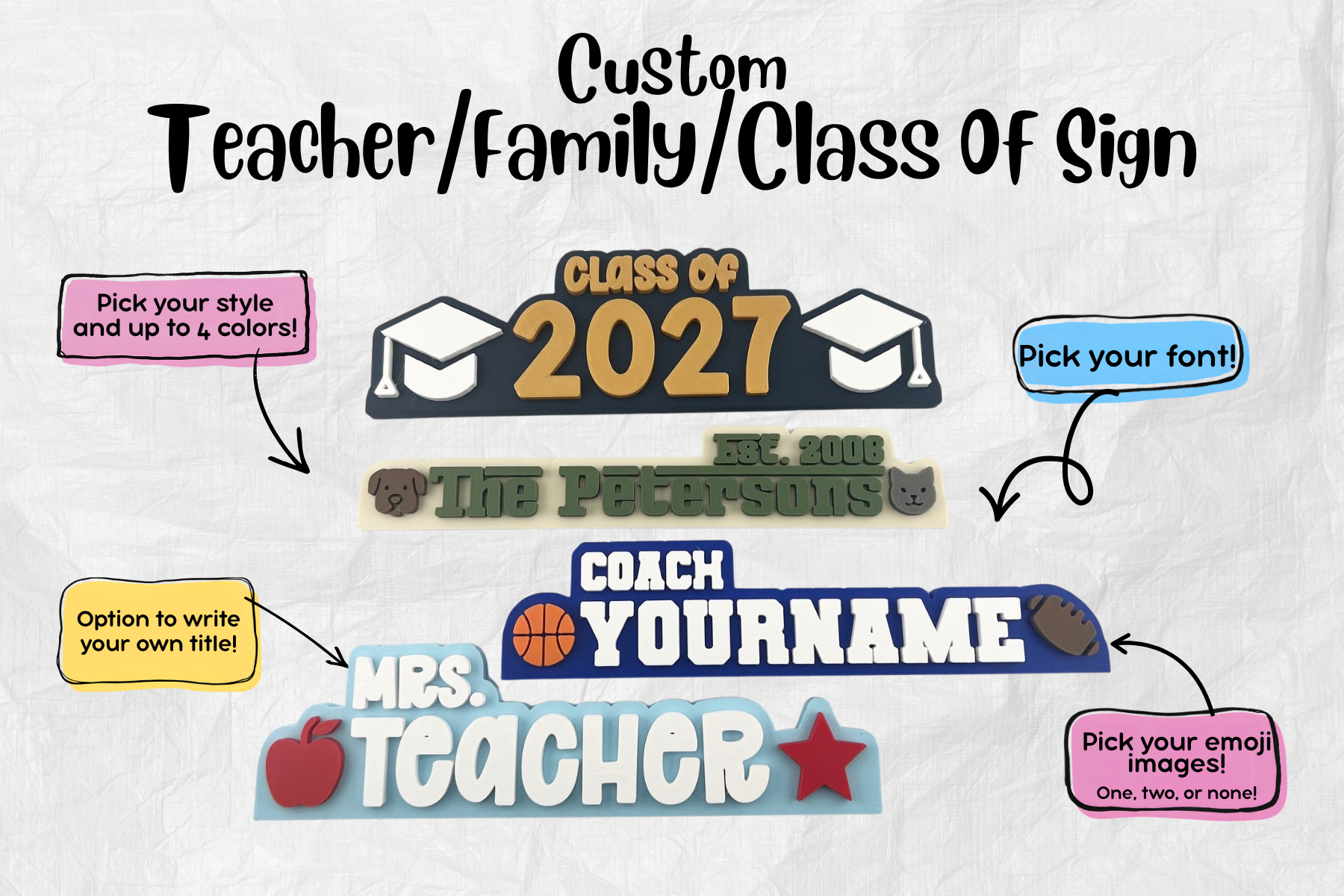

Design Your own Personalized Sign!
Choose your wording, font, colors, and finishing touches to create a sign that’s uniquely yours.
How to Order Your Personalized Sign
Creating your custom sign is easy! Choose the type of sign you’d like below and follow these steps:
Choose your sign
Click the personalized sign you’d like to create below. You’ll be taken directly to the Sign Studio for that sign.Design your sign
Use the Sign Studio to customize your sign. Choose your wording, font, colors, images, icons, and other available options while watching your design come together in the preview.Review your design
When you’re happy with your sign, click Add to Cart in the Sign Studio. A final review screen will appear. Add any additional information in the “Anything else we should know?” box if needed, then acknowledge the validation checks.Add to cart & checkout
Click Add to Cart on the final review screen. Your design will automatically receive a unique Design ID, which lets Peterson Print Co. view the exact design and selections connected to your order. You’ll then be taken directly to your cart with your personalized sign already added.
From there, you can checkout or continue shopping for other products.
No need to send us screenshots or submit your design separately — your Design ID and customization details are automatically attached to your sign.
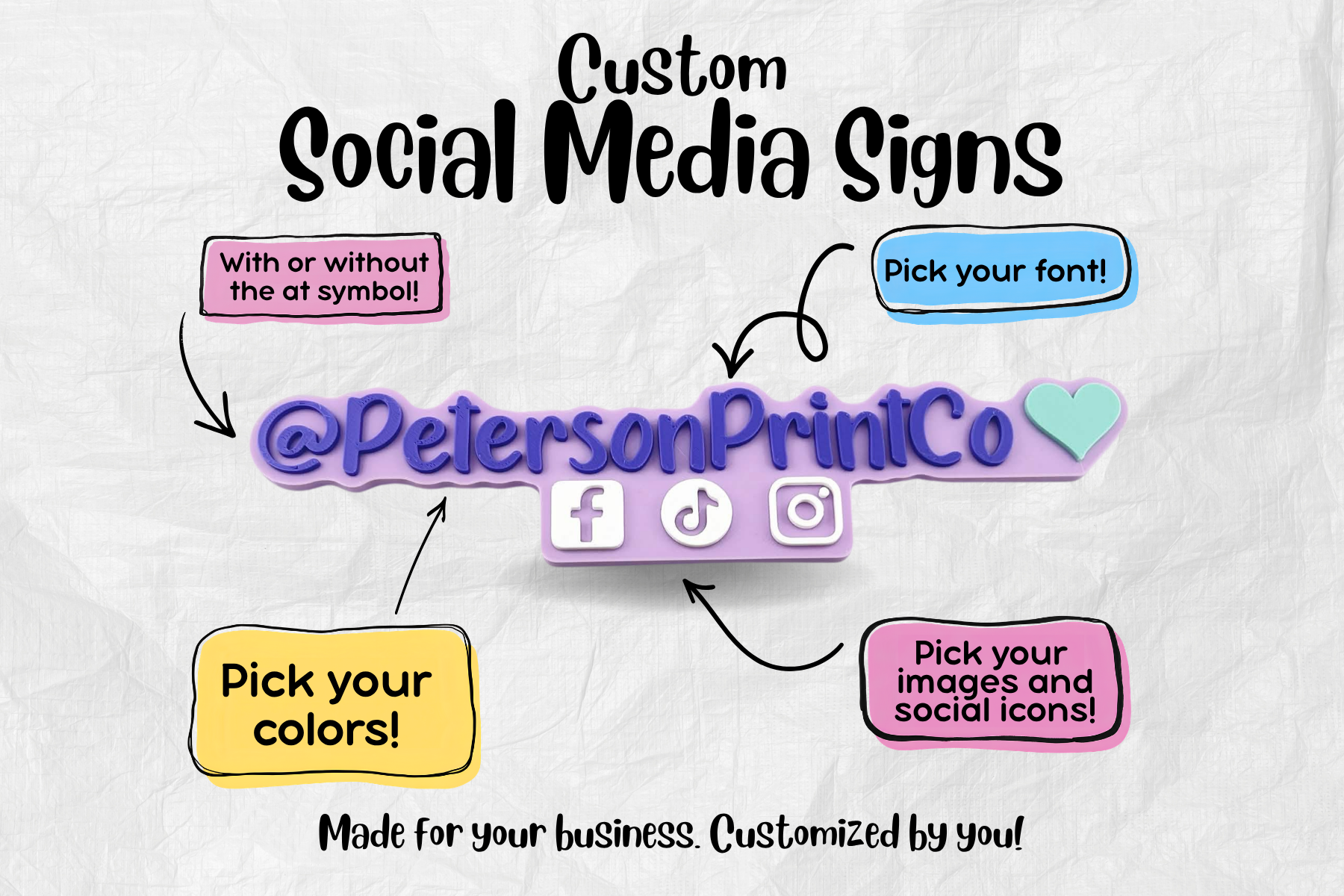
Custom Social Media Sign
Custom Themed Name / Gamertag Sign

Custom Teacher Sign